 BLACK OPS II T6Install guide Community
EXAMPLES
Made here. Played there.
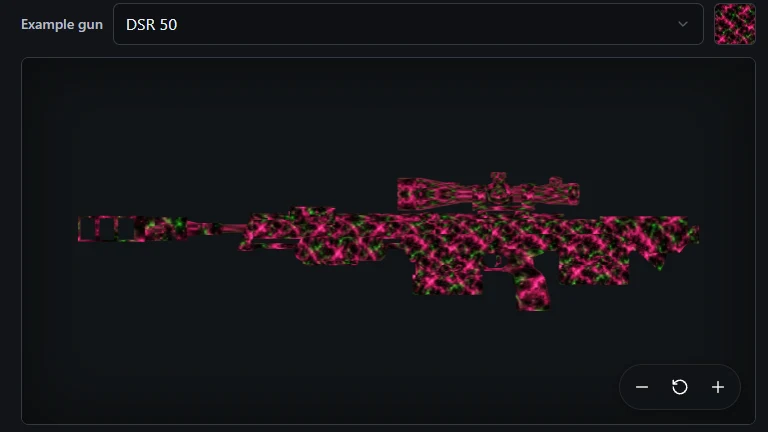
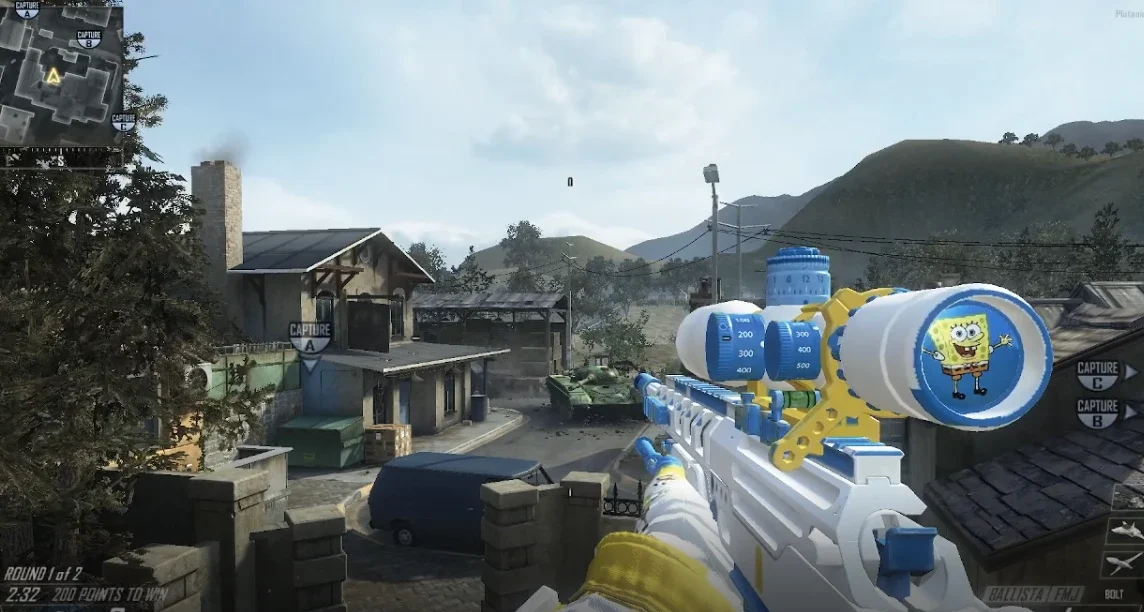
Every picture below was made on this site. Beside each one is the same camo running in Black Ops II, so you can see what comes out the other end.
Universal camos
One AI pattern takes over a camo slot, so every gun in the game wears it.
Weapon textures
Paint a single gun part by part and drop your own pictures onto it.
A pattern of your own
Any picture can become a pattern: save it once and use it on any part of any gun.
 1
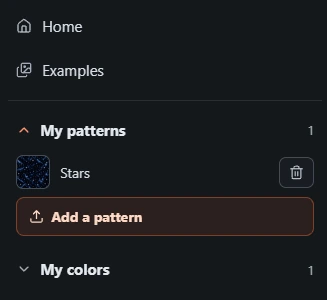
1Add it
Open the menu at the top right, press Add a pattern and pick a picture from your computer. Name it and save it — here it is called Stars.
 2
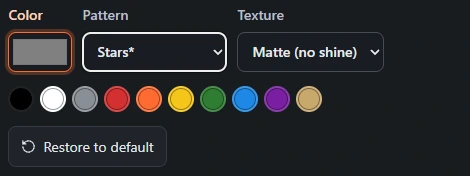
2Put it on a part
In the editor, click the part you want, then choose your pattern from the Pattern list. Your own patterns sit at the bottom with a star. Matte keeps it flat.
 3
3Play with it
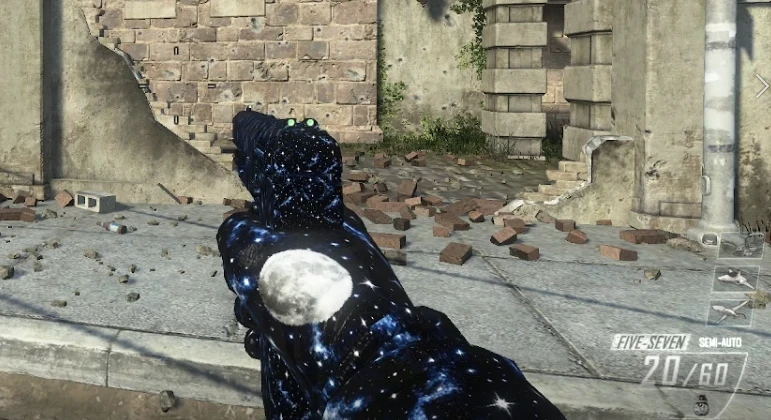
Build the pack, drop the files in your images folder and pick Default camo. The same starfield, on the gun, in the match.
Gloves and sleeves
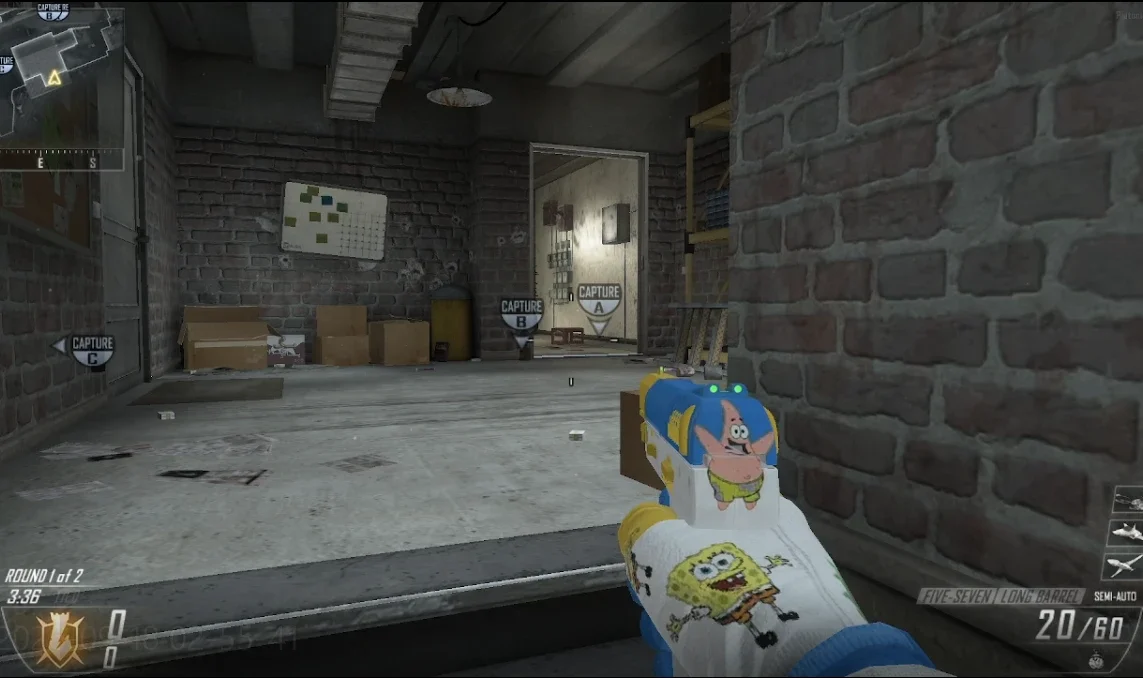
Colour your first-person arms and put a logo where you will actually see it.
Want one of your own?
Describe it, check it on the gun, and download the files.