Plutonium Camos custom camosBLACK OPS II T6Install guide Community

CUSTOM CAMOS FOR PLUTONIUM BLACK OPS II

Make it yours. Get the game files.

Upload a pattern, paint your weapons and gloves, check your design in 3D, and download a camo pack that drops straight into Black Ops II. Everything is free.

  • No modding knowledge needed
  • Ready in a couple of minutes
  • Create and download for free

NIACIN GAMES / PLAY NOW

Try MW3 Survival.

MW3 Survival comes to Black Ops 2 Zombies. Squad up, earn cash, upgrade your weapons, and see how many waves you can survive.

  • 4-PLAYER CO-OP
  • ENDLESS WAVES
  • JUGGERNAUTS & HELICOPTERS

MW3SURVIVAL IN BO2

Try Now (opens in a new tab)niacingames.com

Create and download camos for free

Upload patterns, paint weapons and gloves, build animated camo packs and download the game files for free. No memberships, paid tiers or credit purchases. Universal camos use your own patterns and artwork.

Start creating

Three things you can make

Pick one when you start. You can make as many as you like.

Every weapon

One design replaces a camo slot on every gun in the game.

One weapon

Paint each part of a single gun in 3D and place your own logos.

Gloves and sleeves

Colour your first-person arms so they match the gun.

How it works

Four steps, start to finish.

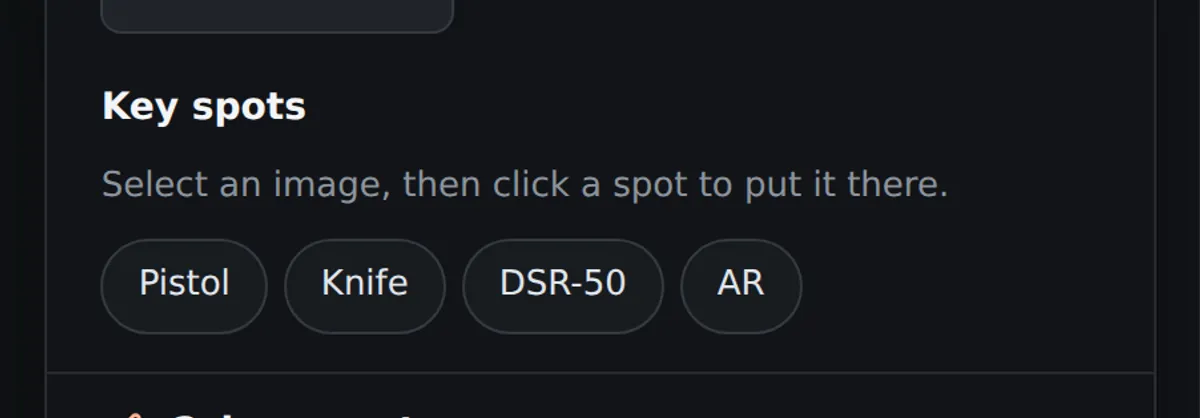
  1. The key spot buttons: pistol, knife, DSR-50 and AR
    1

    Choose your canvas

    Pick a universal camo slot, a weapon, or your gloves and sleeves. The game templates are ready for you.
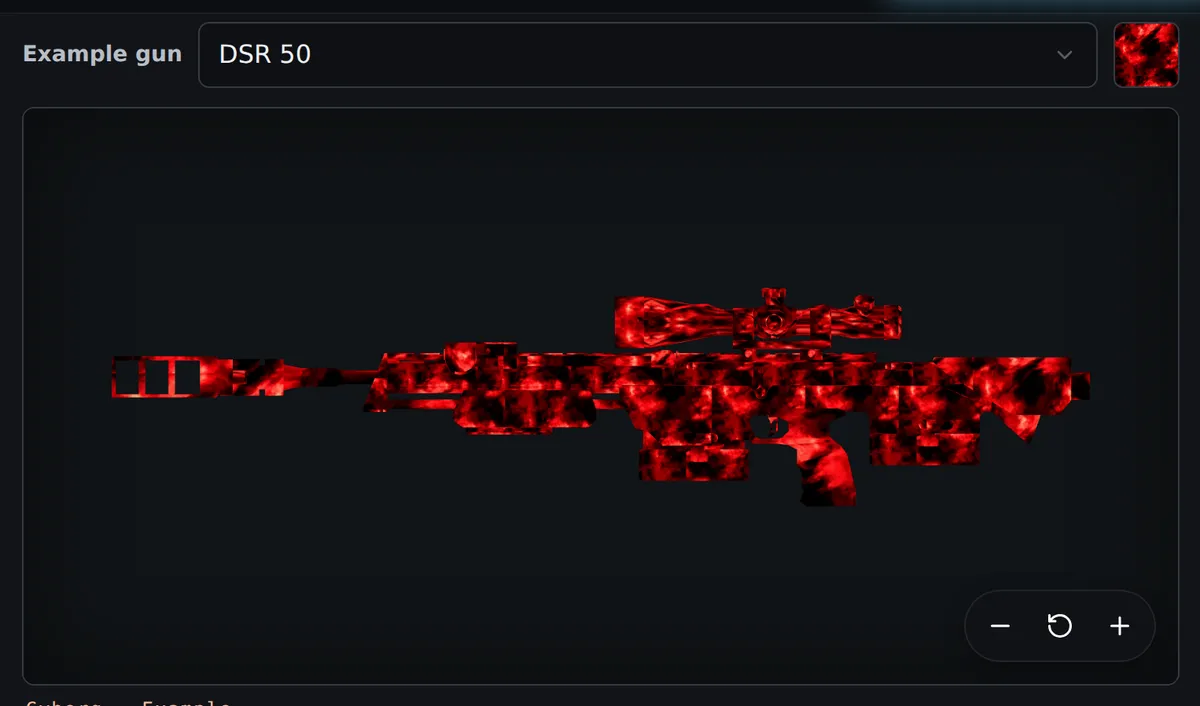
  2. A generated camo shown on an example weapon in 3D
    2

    Bring your artwork

    Upload a repeating pattern or an image, or choose one from your saved library. Build as many camo packs as you like.
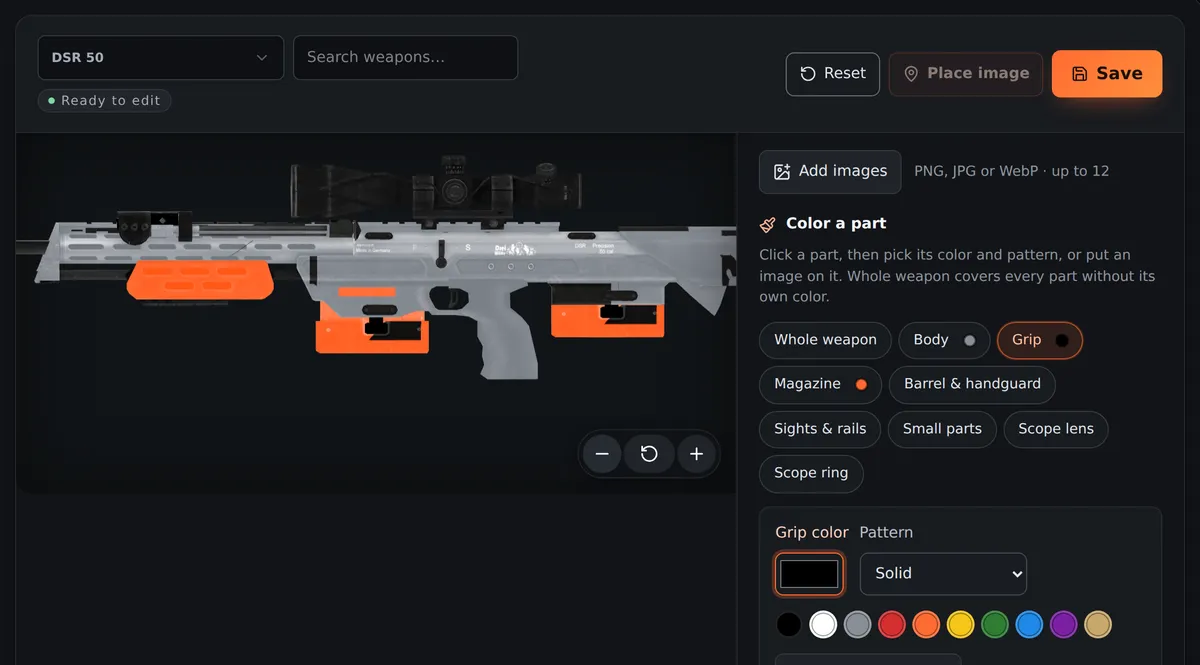
  3. A sniper rifle in the 3D editor with parts being coloured
    3

    Make it yours

    Spin the gun in 3D, colour single parts, drop images onto it and move them around until it looks right.
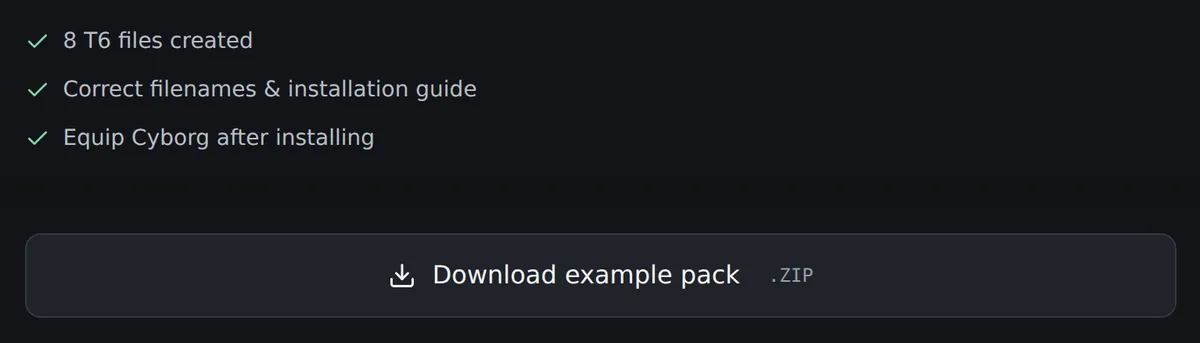
  4. The download button and the list of game files that were created
    4

    Download and play

    You get a zip of correctly named game files and a short install guide. Equip the camo slot you picked and it is there.

Straight from the game

Made here, installed, and photographed in a match.
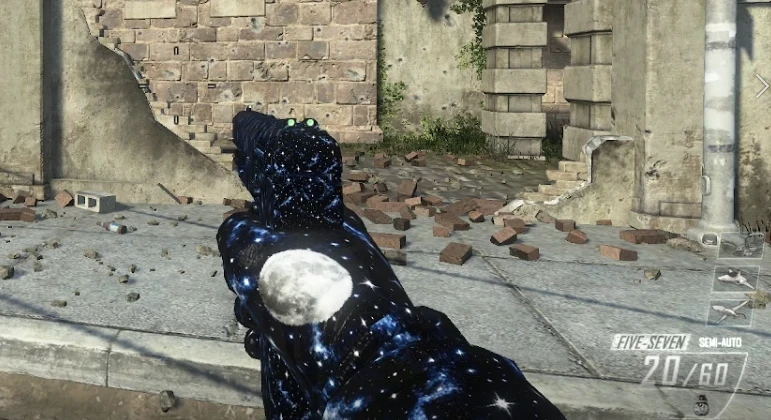
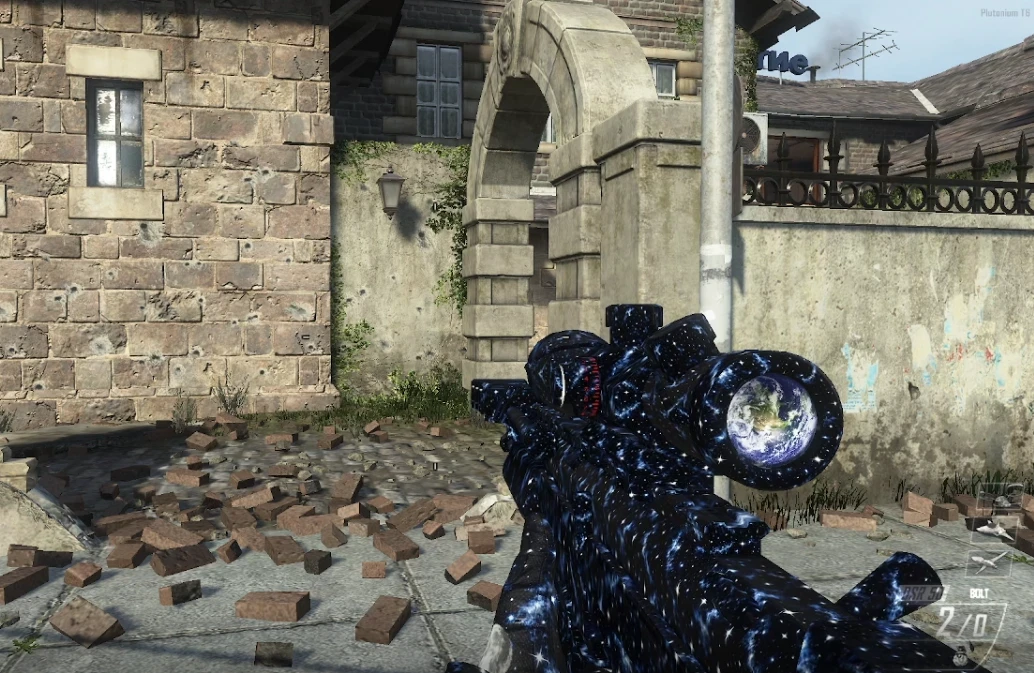
A Five-seven pistol in game covered in a starfield pattern, with a moon on the grip
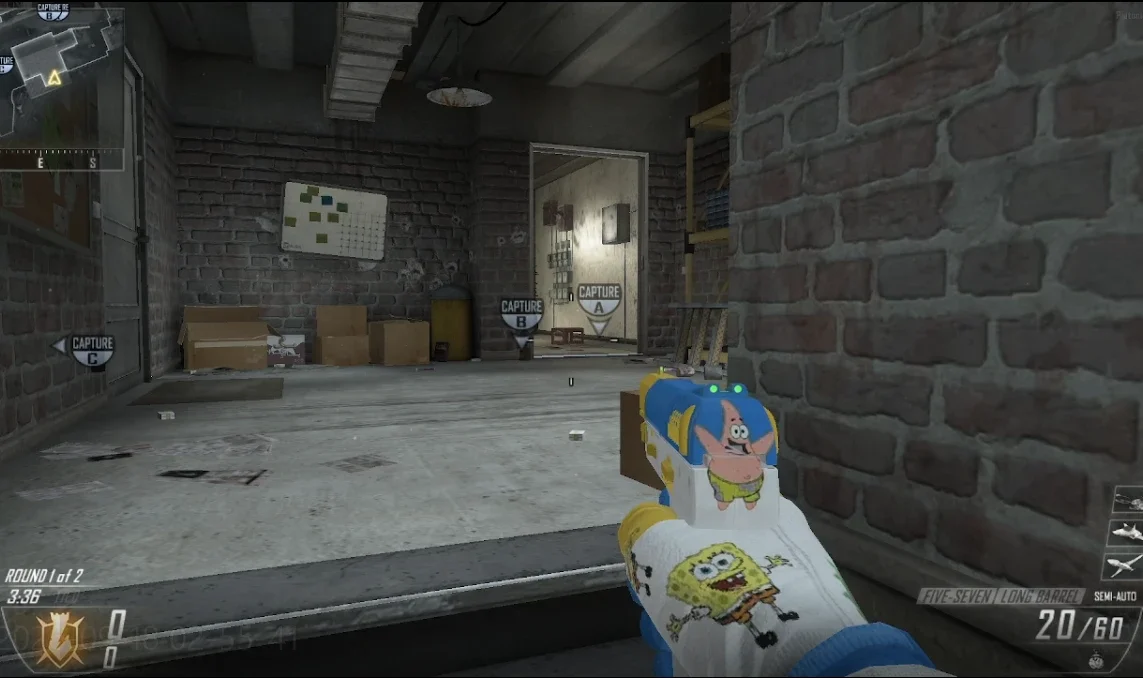
A Five-seven wearing a picture saved as a pattern, matte so it stays flat.
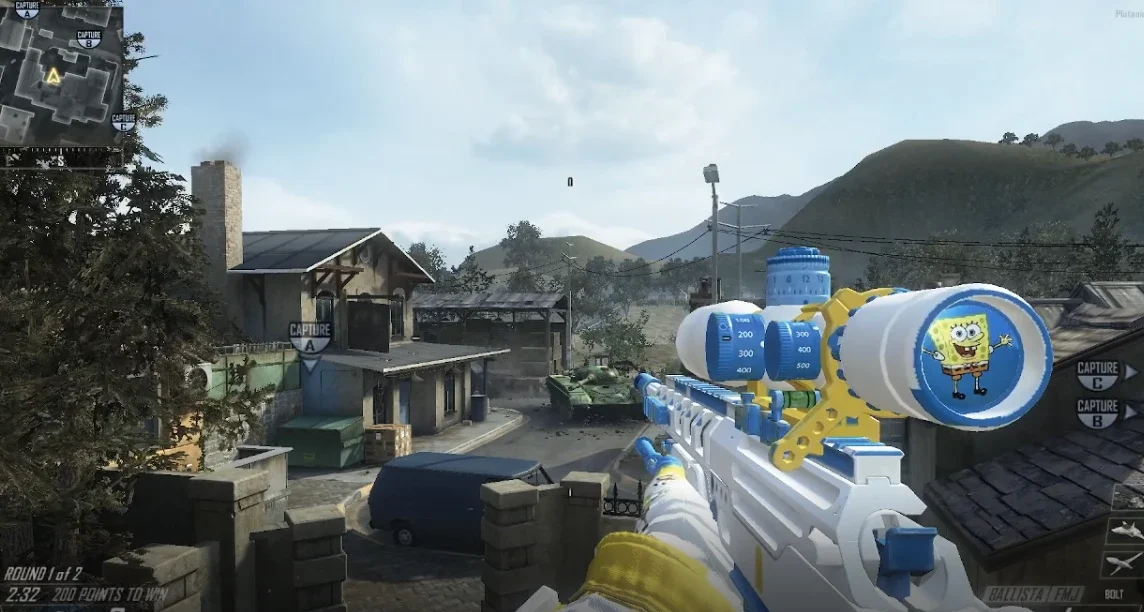
A Ballista sniper rifle in game, painted white, blue and yellow with a cartoon in the scope lens
A Ballista painted part by part, with a picture placed inside the scope lens.
  • One weapon, painted by handThe body, magazine and rails were each given their own colour in the 3D editor.
  • Any picture becomes a patternSave a picture of your own and put it on the whole gun or on one part, as flat or as shiny as you like.
  • A picture in the scopeSniper scopes take an image of your own, sized and moved where you want it.
  • Nothing else changesEvery other gun keeps its normal look, because only this weapon's textures were edited.
See the before and after

Key spots: where your logo actually shows

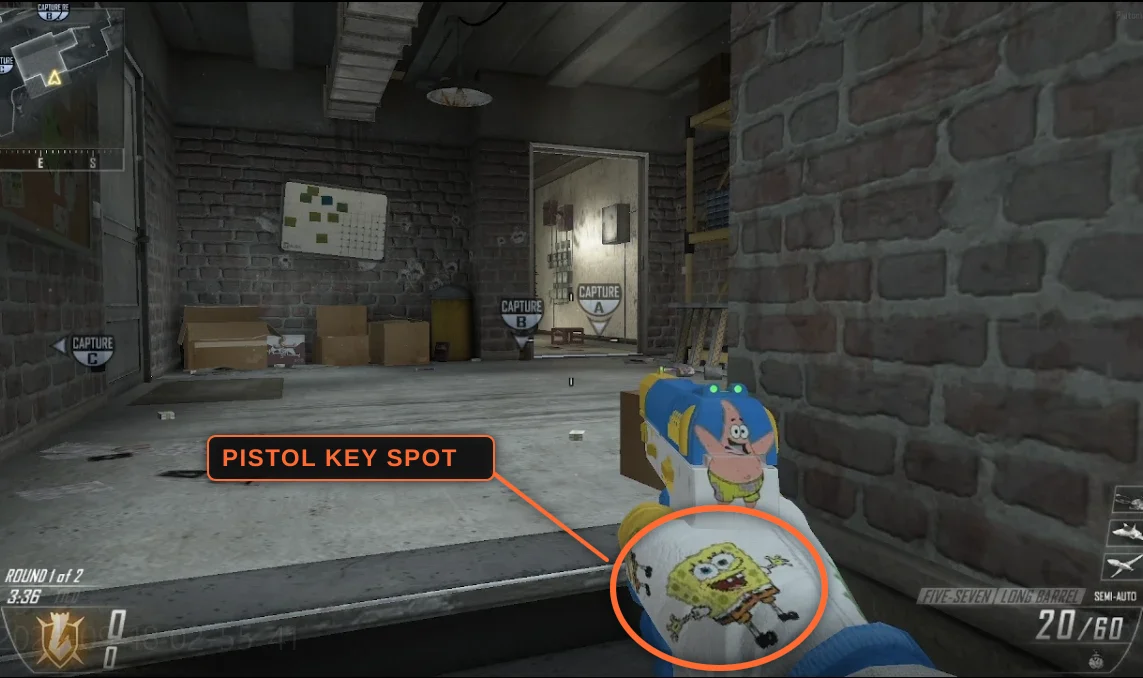
In first person you only see a small part of your glove, and which part you see depends on the gun in your hands.

  1. Add your imageA logo, a badge, a clan tag, anything you like.
  2. Click the spot for your weaponPistol, knife, DSR-50 and assault rifle each have their own spot.
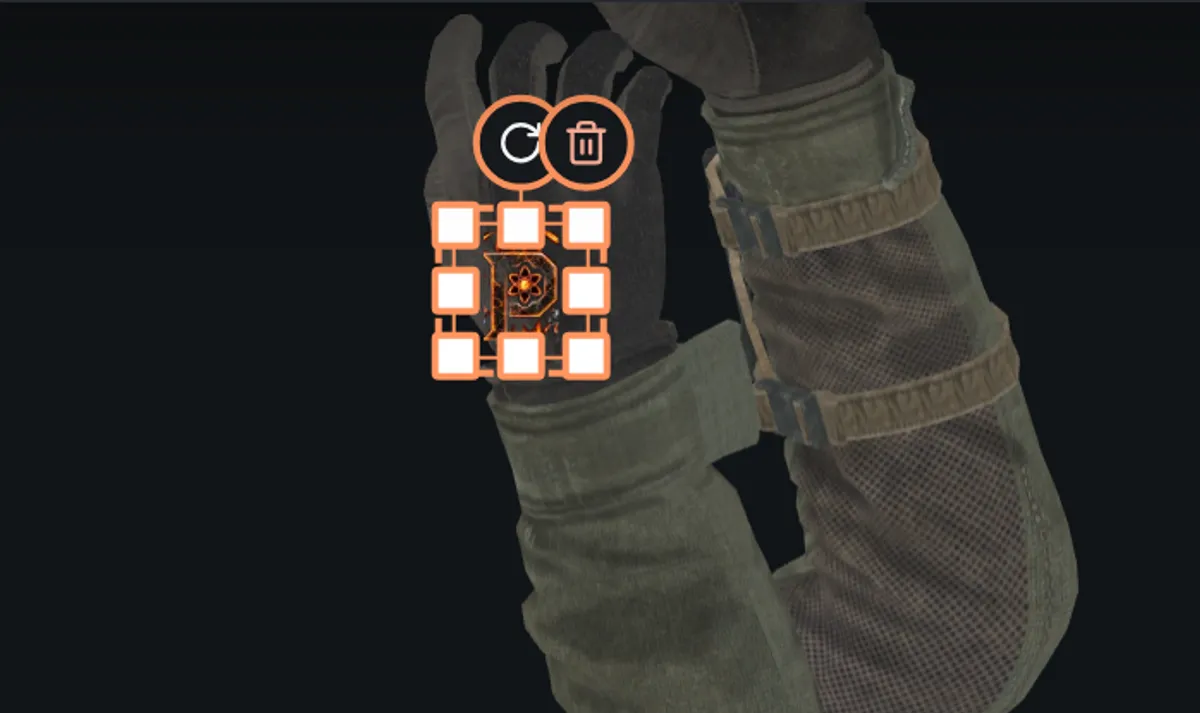
  3. It snaps into placeThe view jumps to that spot and your image lands at the right size and angle. Nudge it, then save.

Put a logo anywhere else on the glove and the camera may never show it. Key spots are the parts you really see while playing.
The key spot buttons: pistol, knife, DSR-50 and AR
One button per weapon, in the gloves and sleeves editor.
A pistol held in game, with the logo on the back of the glove ringed and labelled as the pistol key spot
In game: the ringed logo is the pistol key spot, the part of the glove you see while holding a pistol.
A logo sitting on the back of the glove after the knife key spot was clicked
In the editor: the knife spot, the back of your right glove seen straight on.

What you get

  • A ready-to-install packCorrect file names for the camo slot you chose.
  • Every gun coveredOne all-weapons pack paints the whole arsenal.
  • A short install guideWhere the files go, in a few lines.
  • Yours aloneCustom textures show on your screen only.

Questions people ask

Do I need to know anything about modding?

No. Upload your artwork or use the editor, and the files come out named and sorted. Installing is copying a folder.

Will other players see my camo?

No. Custom textures are on your machine, so only you see them.

Which camo slot should I replace?

Afterlife and Dragon suit glowing, animated designs. Paladin suits flat, normal ones.

Is making a camo free?

Yes. Build and download camo packs for free. All accounts are free members. Universal camos use uploaded or saved patterns; there is no AI prompting or paid tier.

Ready to make yours?

Start with a pattern or paint your weapon. Build and download as many designs as you like.

Start creating
Independent tool for the Plutonium community. Not affiliated with Activision or Plutonium.Custom textures are visible only to you.